WATT-IF is a lighting design tool. Scan a real location with your iPhone's LiDAR, bake a photometrically calibrated 3D scene with our proprietary mesh engine, drop real cinema fixtures (Aputure, ARRI, ETC Source Four), and export a Set Plan PDF for your Gaffer. Everything you see is physical — candela, lumens, lux, key/fill in stops. Nothing is stylised.
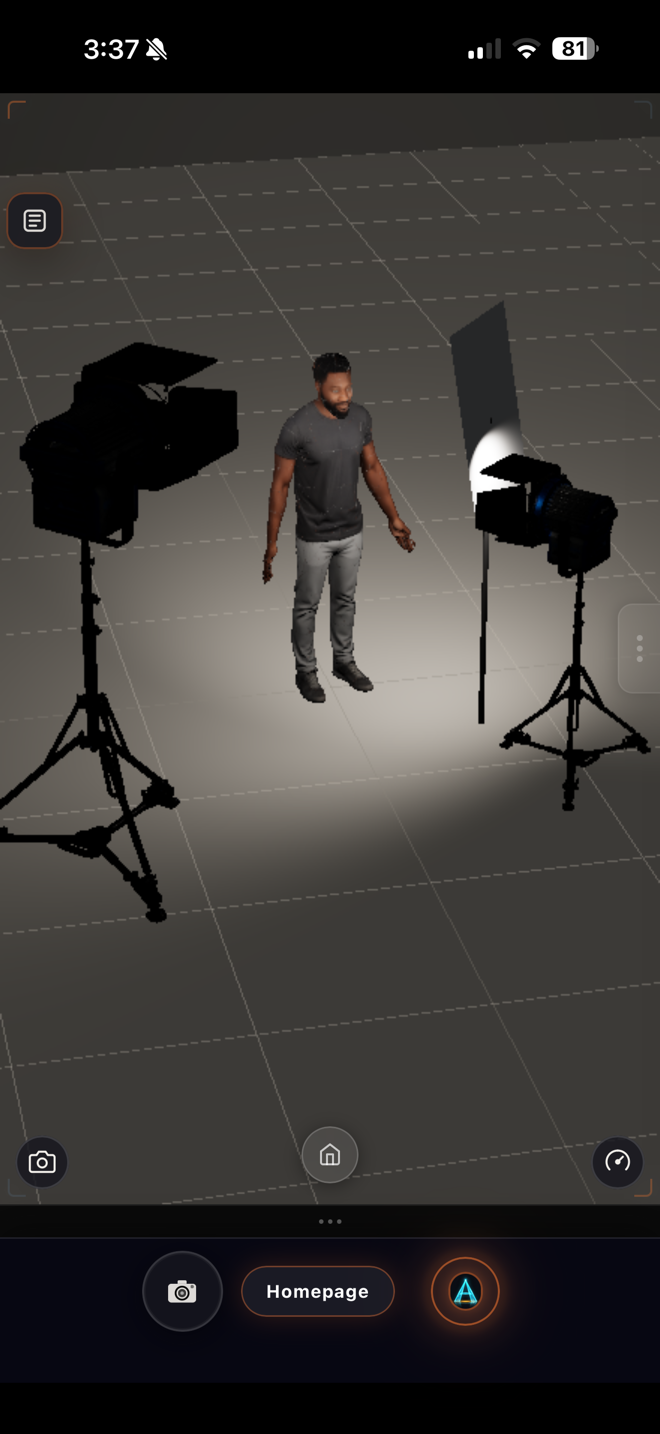
No one else lets you walk into a location, capture it with your phone, and place physically-accurate cinema fixtures on the captured room — at home, in your hotel, on the plane to the shoot. The WATT-IF Mesh engine is a proprietary textured-mesh pipeline that reconstructs your space with sharp, relightable geometry. Thick-fragment pose-graph optimization corrects ARKit/ARCore drift, TSDF fusion builds a clean surface, and best-view texture projection at 0.4cm resolution delivers photographic detail. User-placed SpotLights cast correct shadows on the actual scanned geometry. It isn't a render preview. It's a relight.
The sandbox right panel ("the remote") is a hero grid of five tabs — Lights, Models, Presets, Camera, Boards. Tap a fixture from the Real-Fixture picker and the active light slot is reconfigured to that fixture's manufacturer-published candela, beam angle, and CCT. The HUD lux meter at the subject matches a Sekonic L-858 incident reading within ±5%. Drop a key. Watch the meter. Dial Power, Modifier, Height, Rotate, Tilt, Gel, and Aim until the numbers match what your DP card needs.
Categorised LED COB, LED Panel, LED Fresnel, Tungsten, HMI, Practical. Aputure, ARRI, ETC Source Four, and more — each at its real manufacturer-published candela.
Pick a named filter from the Rosco library, watch the wall colour shift exactly as the gel transmits the source spectrum. Or override with direct Hue/Sat.
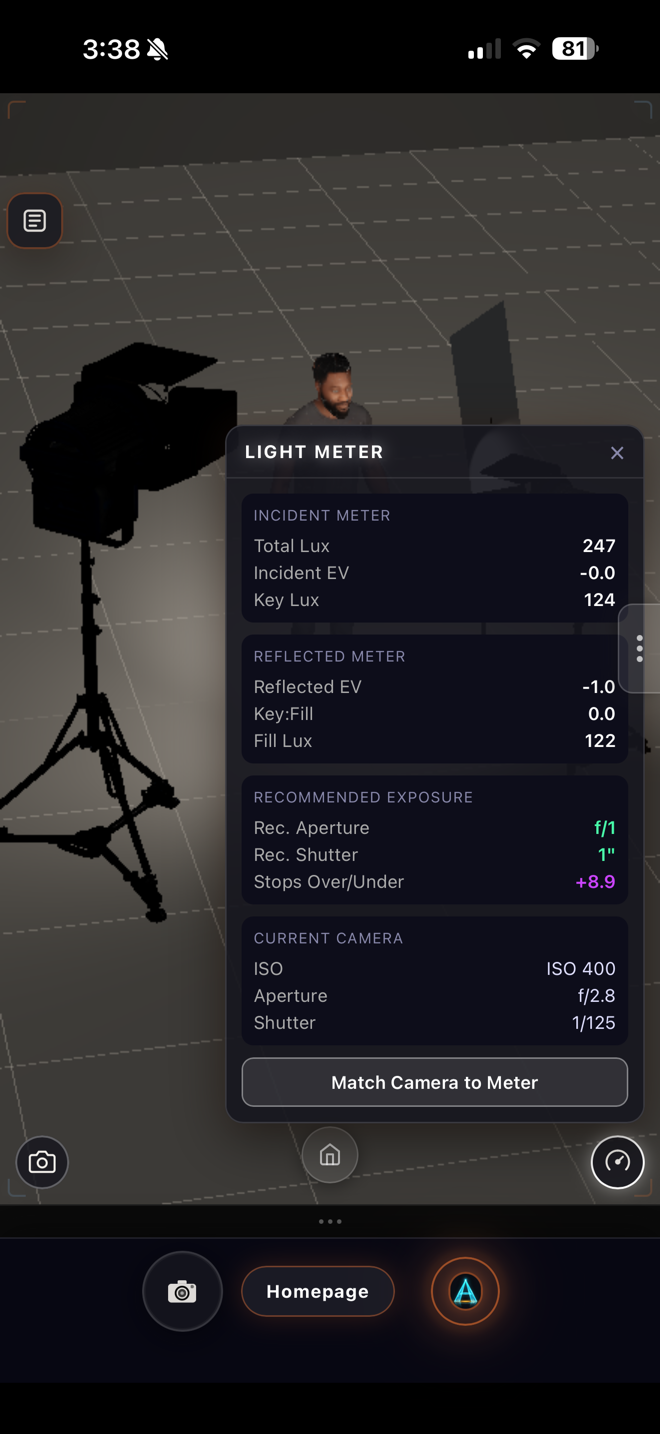
One always-visible chip shows total illuminance at the subject. Tap the speedometer for the floating Light Meter: Key Lux, Fill Lux, Key:Fill ratio in stops, EV @ ISO 100, suggested aperture.
Rembrandt, Butterfly, Broad, Short, Split, Loop, Cross, Low Key, Paramount, High Key, Clamshell. Every preset instantiates as a full rig (stand + head + modifier) so you can fine-tune each fixture after.
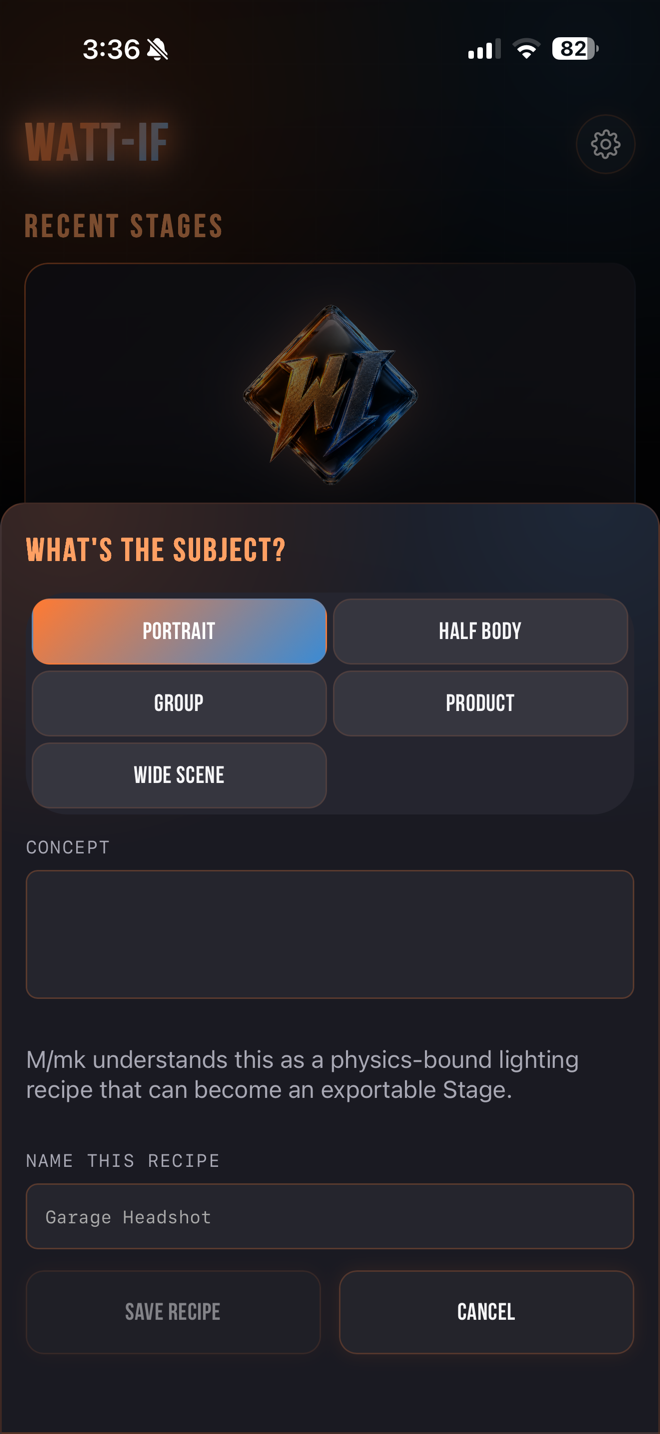
Save any setup as a Recipe (fixtures + camera + subject). Apply later via the bake-directions sheet — Recipes are room-agnostic, so the sheet suggests sensible interpretations for the new room.
Curated starter recipes you can browse, preview, and copy into Your Recipes for editing. Build a personal shot library that travels with you.
Every preset is a full lighting recipe — key angle, fill ratio, color temperature, modifier shape — built from real portrait technique. Apply one and the full multi-fixture rig drops into your scanned room. Fine-tune any fixture individually after.
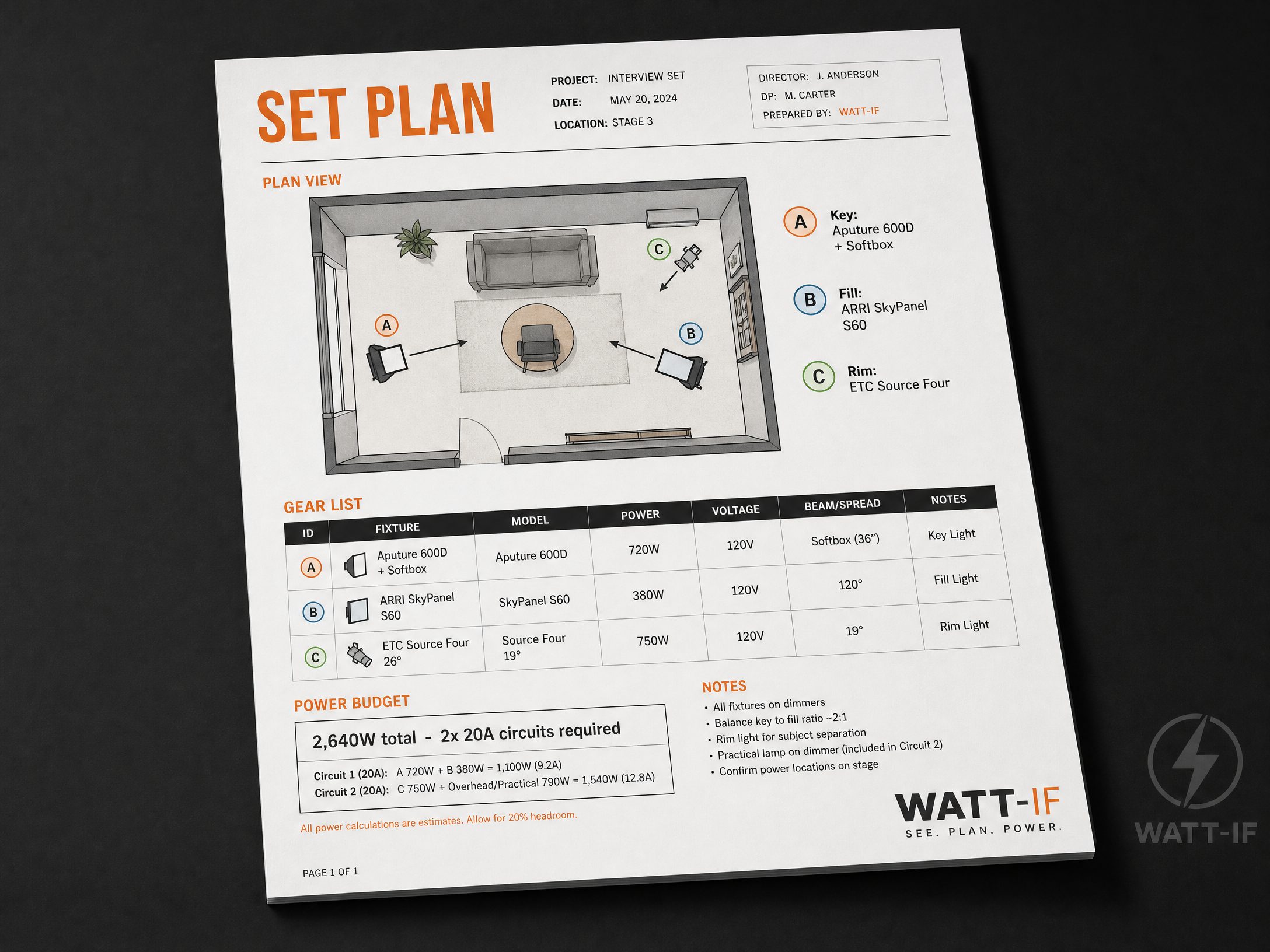
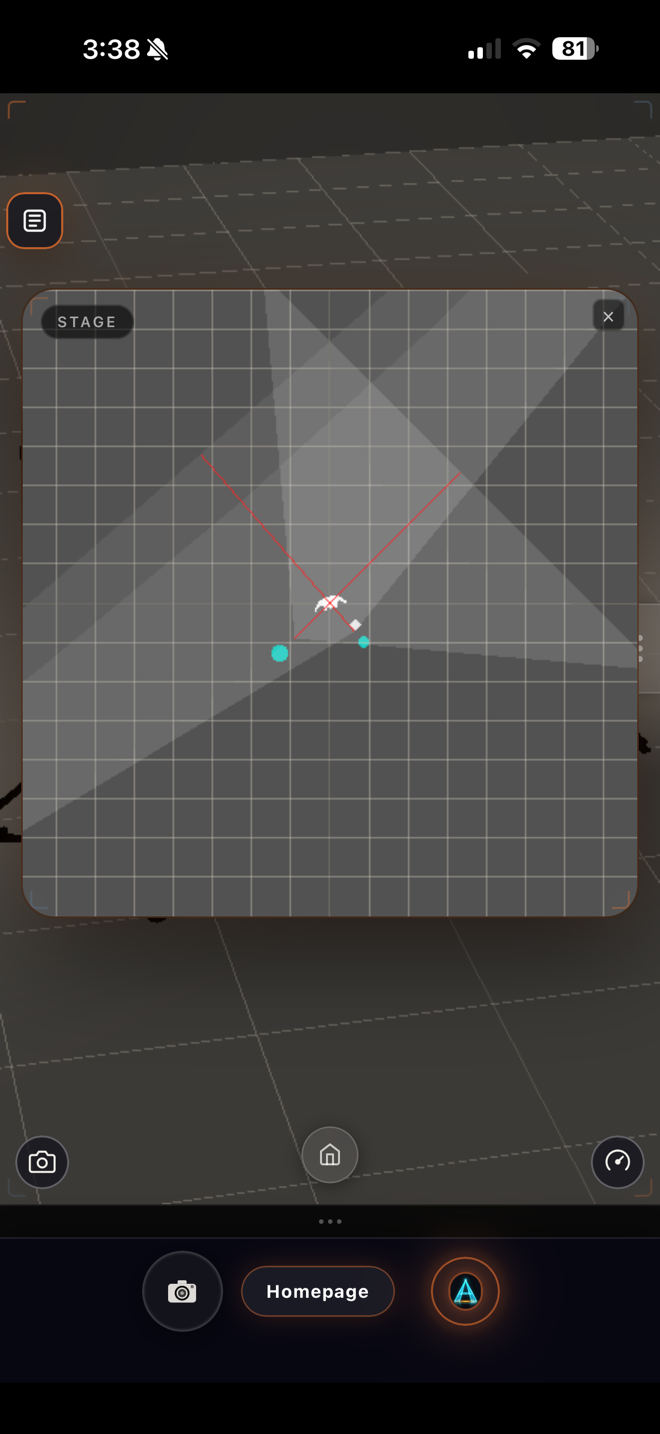
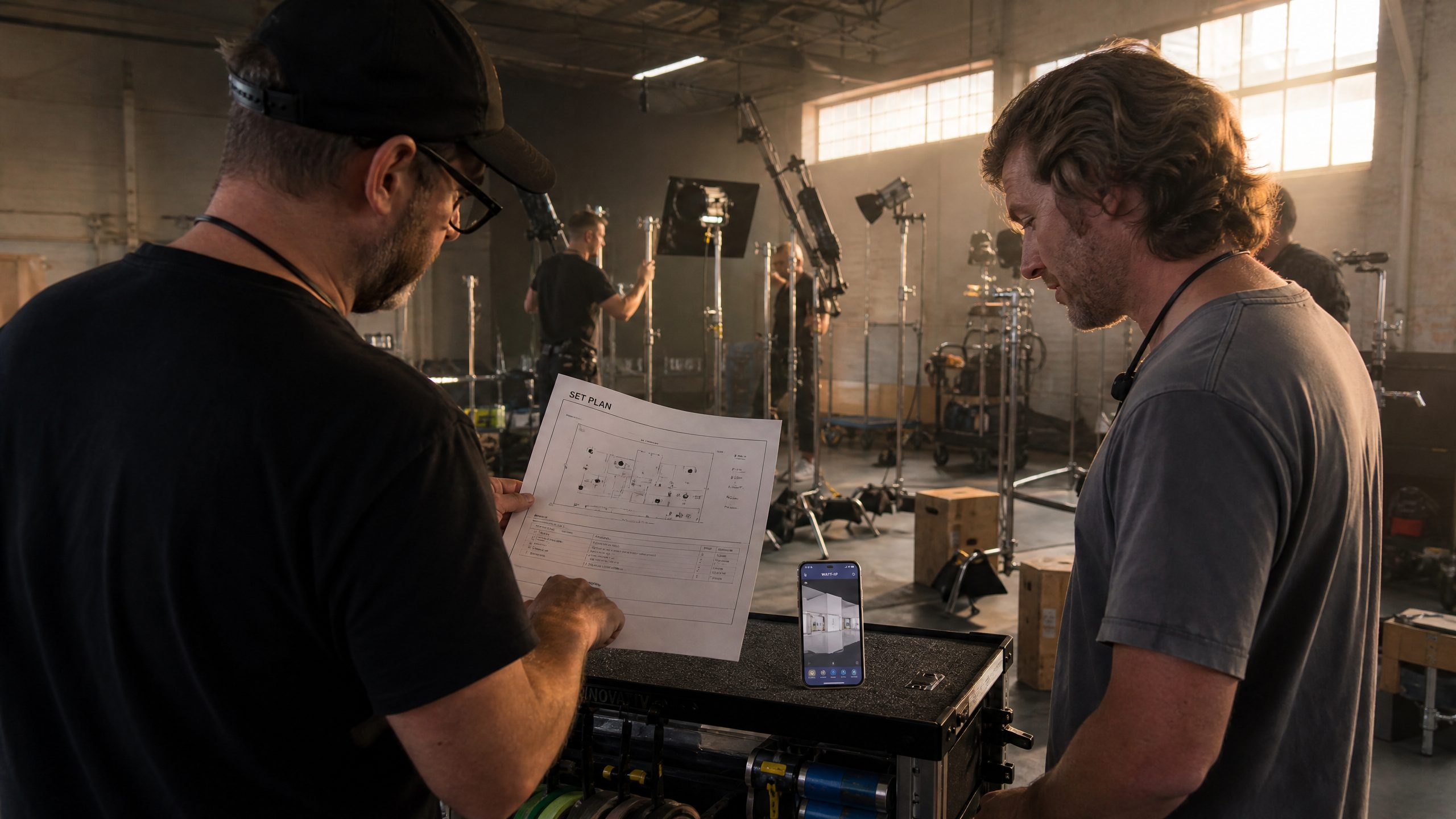
When the design is done, WATT-IF exports a Set Plan PDF: cover page, top-down lighting diagram with every fixture marked, gear table, and an automatic power budget. The Gaffer hangs it on the cart. The electrician runs the circuits to it. The DP signs it.
3× Aputure 600D (720 W each) + 1× ARRI SkyPanel S60 (480 W) = 2,640 W total. The Set Plan PDF flags this needs 2× 15 A circuits (1,500 W cap each) or 2× 20 A circuits (1,920 W cap each). Catches the "we can't run all four off one wall outlet" mistake before the truck rolls.
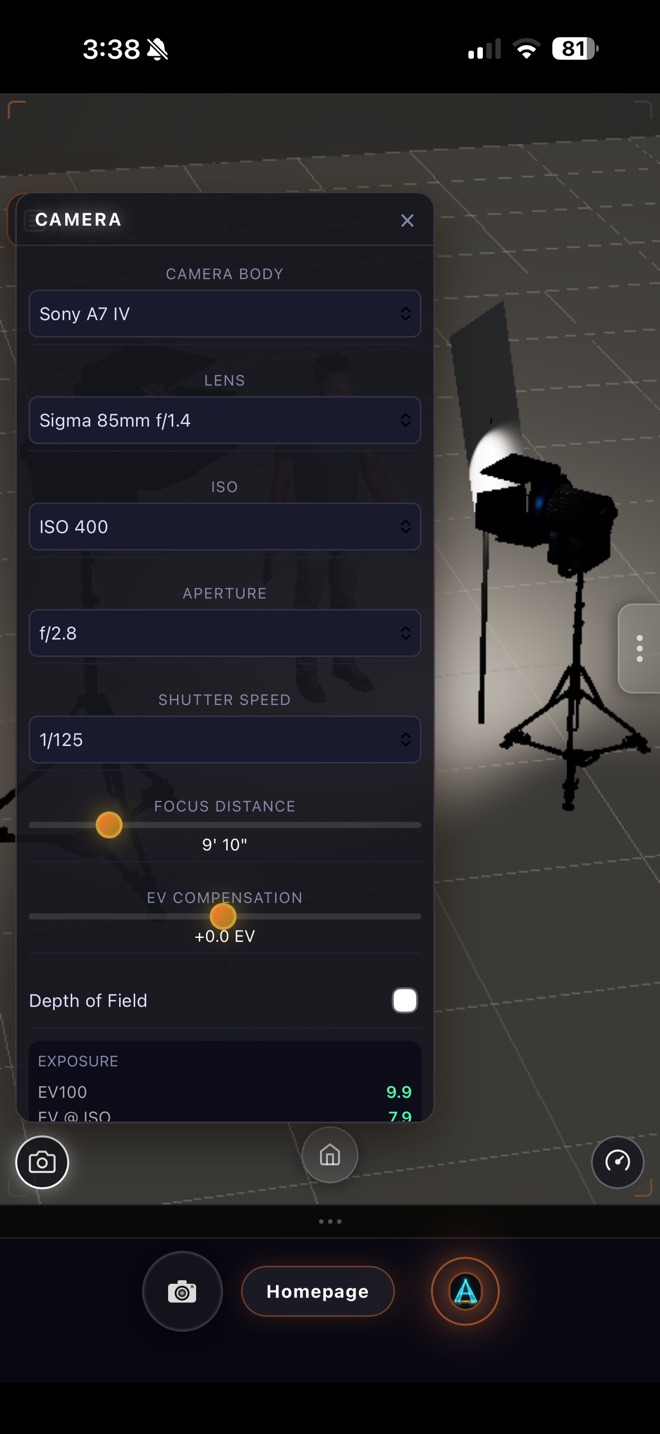
The Cine camera simulates a real photographic exposure triangle — body, lens, aperture, shutter, ISO, focus distance — with depth-of-field and tone mapping. Pick a preset and the FOV snaps to the real-world geometry (FOV = 2·atan(sensor_w / (2·focal_length))), DOF wakes up, exposure scalar updates against the scene lux. You see what your actual camera will see at the actual stop, on the actual sensor, before you rent the lens.
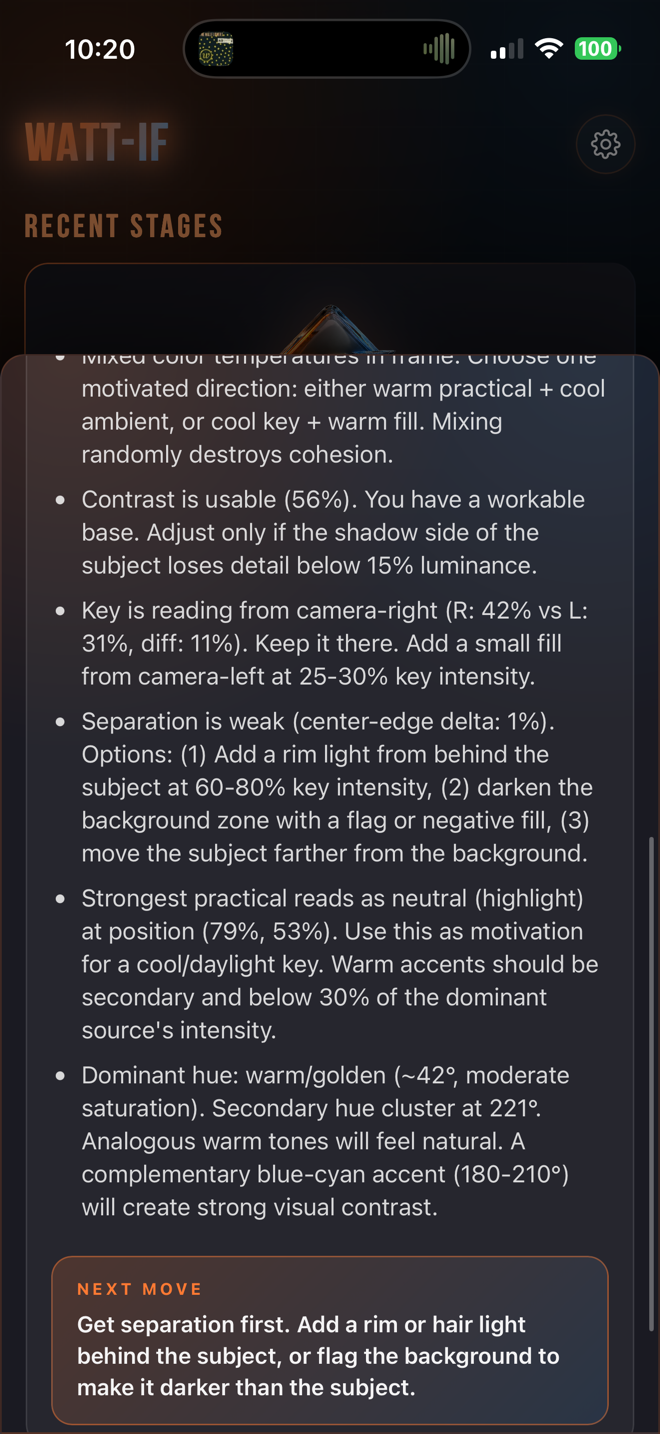
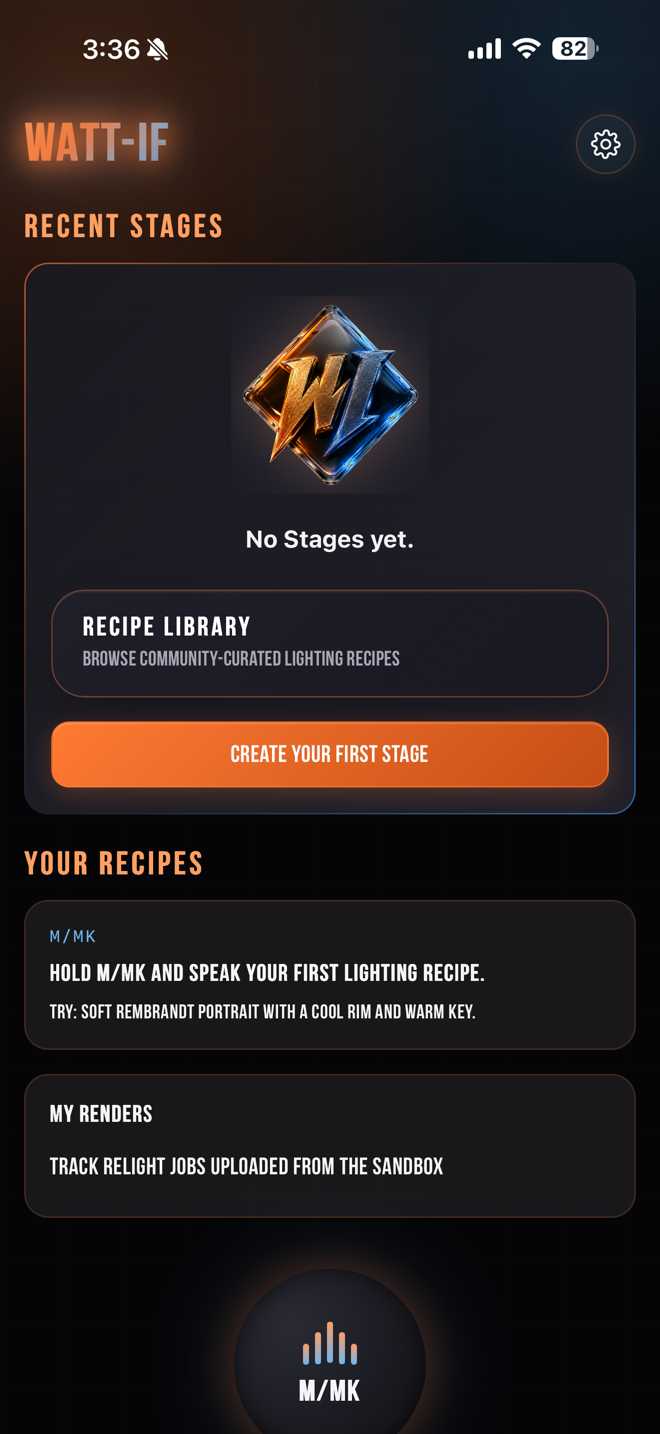
M/mk is the voice-driven recipe-capture surface — press the M/mk avatar in the bottom bar, hold to speak, release to transcribe. M/mk saves your current sandbox state to Your Recipes with the name you gave it. 110 lighting Q&A entries cover ratios, color theory, fixture types, cinematic references, and real-world placement advice — embedded knowledge, not LLM hallucination. A lux-backed Silent Director with suggestion cards is implemented in the codebase and wiring into the UI next sprint.
Tap and hold the M/mk avatar, speak the recipe name and intent. Release. The recipe lands in Your Recipes with a thumbnail and the M/mk transcript.
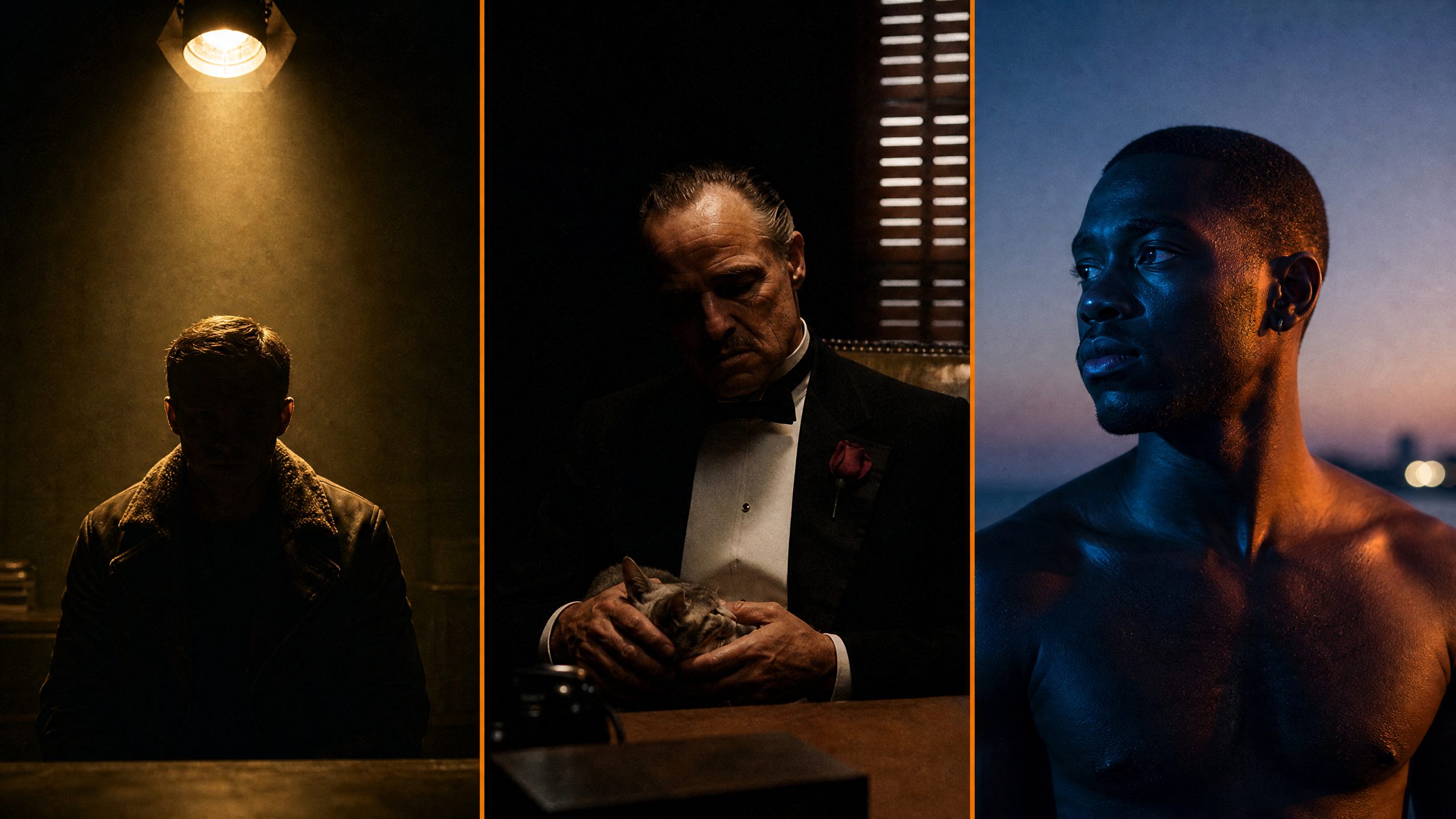
"What's the difference between Rembrandt and Loop?" "Why does the Godfather office look that way?" Embedded knowledge base — answers in plain language, not vague LLM output.
Silent Director (next-sprint UI) reads the lux meter in real time and suggests fixture moves backed by Sekonic-matching numbers — not vibes. "Your key is at 800 lx, your fill is at 200 lx, ratio is 2 stops, dropping the fill 50% takes you to 3 stops for the noir look you're asking for."
M/mk doesn't just simulate. Recipes carry placement notes — where to put the actual fixture on set, what to clamp it to, which cable run. The PDF includes them.
Ask M/mk about any of these scenes and it walks you through the lighting DNA, then guides you to recreate it with real gear in your space — or with virtual fixtures on your scanned splat. Same vocabulary your gaffer uses.
WATT-IF isn't a toy. It's the tool that closes the gap between "I know what this should look like" and "the Gaffer rigged it correctly the first time." Here's how a working DP actually uses it.
When a live demo session is active, you can watch WATT-IF being demonstrated in real time below — capturing rooms, baking splats, placing photometric fixtures, comparing app lux to a real Sekonic. Sessions are announced on social. When offline, grab the iOS beta and try it yourself.
WATT-IF was built by a Creative Director and filmmaker who got tired of watching talented people waste hours on lighting problems that could be solved in minutes — if the right tool existed. The gap between knowing what a lighting setup should look like and executing it on set was the problem WATT-IF was designed to close.
With a background spanning high-volume content pipelines, broadcast production systems, and cinematic pre-production, WATT-IF isn't a side project. It's a lighting design tool that speaks the language of light in real units (candela, lumens, lux), reasons about physical fixtures from real manufacturers (Aputure, ARRI, ETC Source Four), and lets you scan your actual location and pre-light it before you load a single case.
The Splat + Relight engine runs on the proprietary WATT-IF Splat trainer — Apache-2.0 / MIT only, zero Inria-licensed dependencies, commercial-clean. Anti-aliasing math from Mip-Splatting (CVPR 2024) and the KNN-init heuristic from LumiGauss (WACV 2025) are both clean-room re-implementations: algorithms in the public domain of ideas, never the encumbered source. Your bake is yours.
The iOS beta is free during TestFlight. Capture your studio, your hotel, your location — bake it in the cloud, drop in real cinema fixtures, and AirDrop your Gaffer a Set Plan PDF before the morning call.
iPhone 12 Pro or later (LiDAR required for capture) · iOS 16+ · Android (ARCore) coming Q3 2026